Employee Medical Information
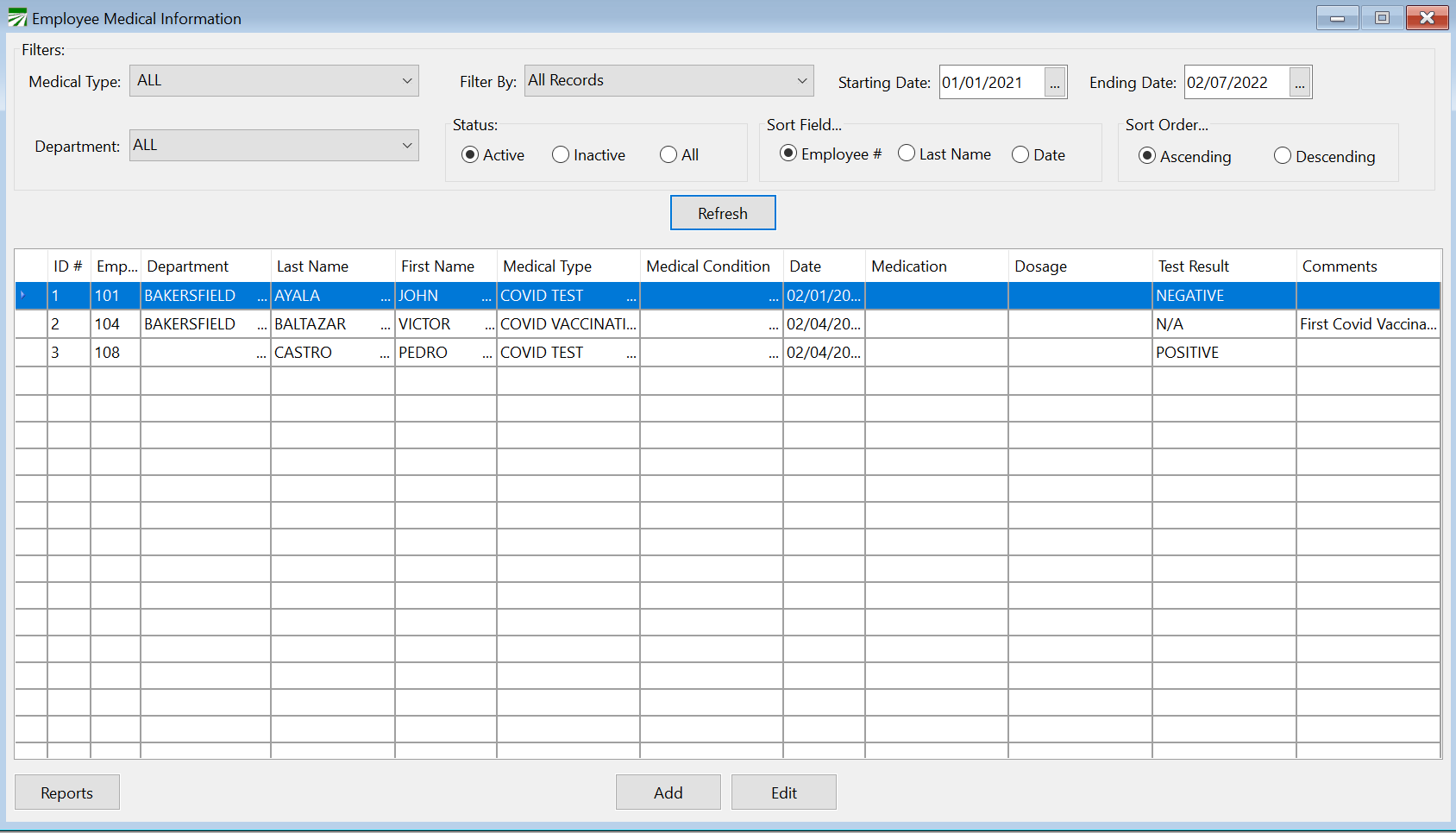
Use the Employee Medical Information window to record, view, and filter employee’s medical information. This may include Covid Tests, Vaccinations, Drug Tests, Medical Conditions, etc.
If you choose to use these features to track your employees' medical information, it is up to you to make sure you are in compliance with privacy laws regarding this subject. If you would like to set up restrictions on who can access this information, contact our support department.
Go to Employees > Employee > Medical Information.
Medical Type
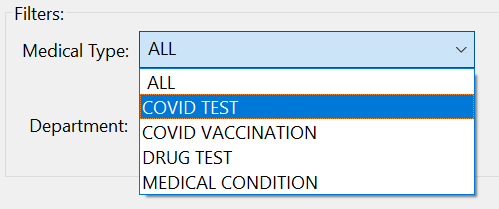
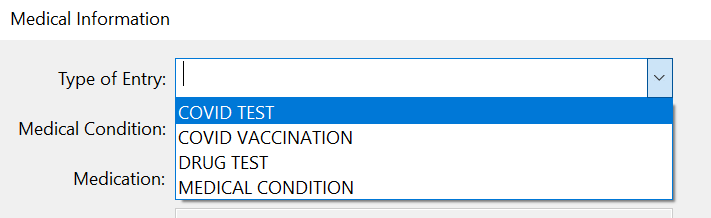
By default, your program will have the following four options:
-
Covid Test
-
Covid Vaccination
-
Drug Test
-
Medical Condition
Note If you would like to add a different Medical Type, go to Employees > Setup > Selection Table Entries. Use the Type of Entry drop-down to select Medical. Then click into an empty line on the grid and type the new Medical Type.
Department
You can filter records by department type; use the drop-down to select a department.
Filter By:
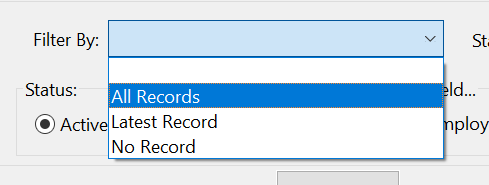
All Records: All records will show.
Latest Record: Only the latest record for each employee will show.
No Record: Use this filter to find employees with no record.
Starting/Ending Date, Status, Sort Field, Sort Order
Use these filters to refine and sort your search.
Medical Information Report
Reports
To print a report or generate an excel file for the grid above, click Reports and the Medical Information Report window will open. All filters will automatically be selected by the program to match the filters you chose to filter the grid.
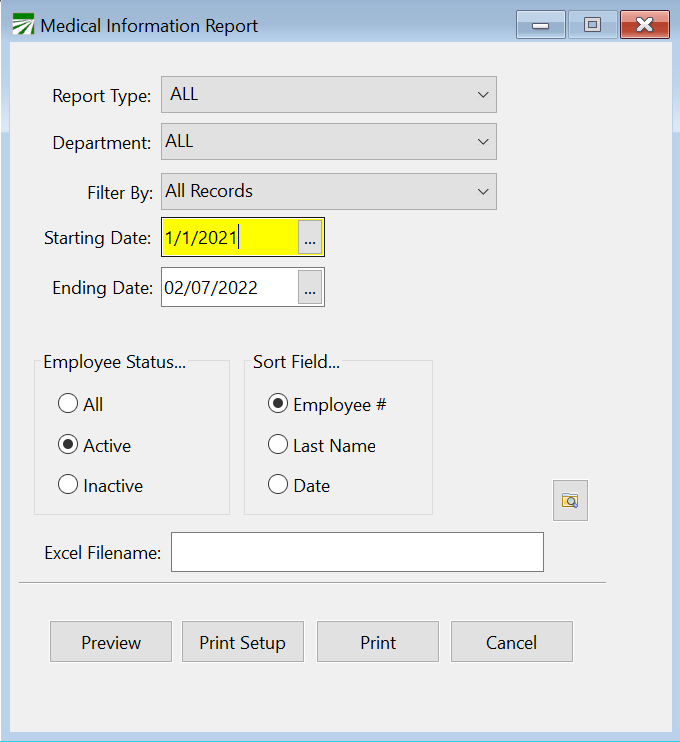
From the Medical Information Report window, you can choose to print the report or generate an excel file.
Adding Records
To add a record in the Employee Medical Information window, click Add. The following window will open.
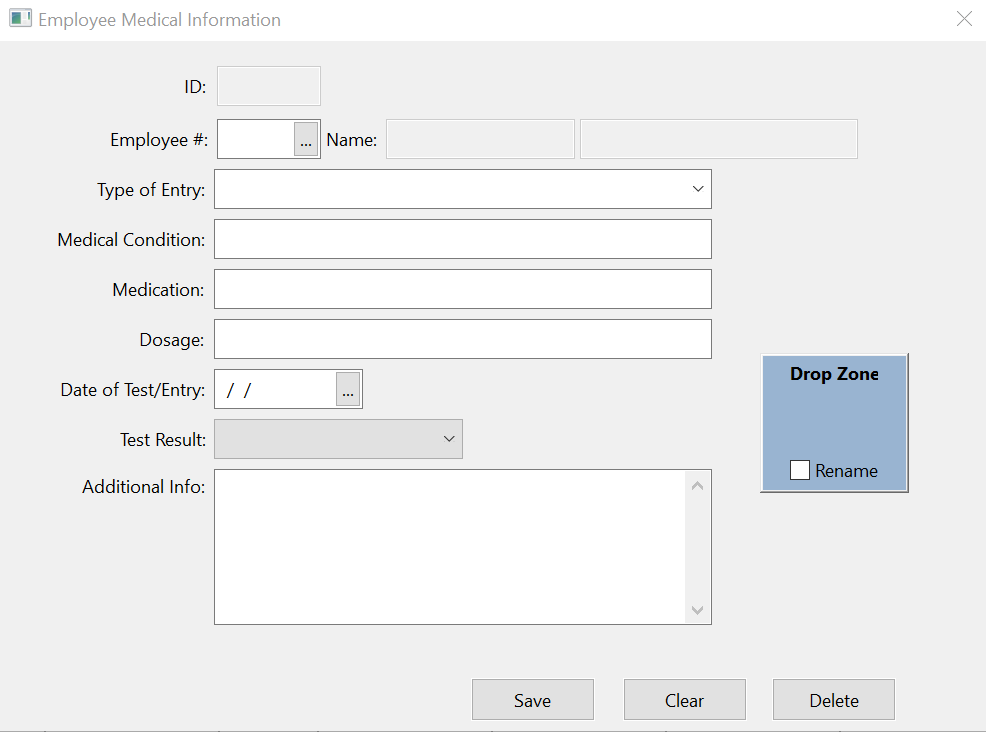
Now you can use the entries to create a new Medical Information record.
Employee #
Select the employee for the new Medical Record.
Type of Entry
Use the drop-down to select the record type (i.e. Covid Test, Vaccination, Drug Test, Medical Condition, etc…)
Medical Condition
When Medical Condition is selected, the Medical Condition, Medication, and Dosage entries will be available to enter information.
Date of Test/Entry
Enter the date the employee took the test, or if unavailable, the date of entry.
Test Result
Use this entry to select the employee’s test results. This may be used in the case of Covid testing or drug tests.
Additional Info
Enter any notes you need for this record.
Drop Zone
This feature is only available for customers using our Document Management software. Use this feature to drag-and-drop medical documents/files you would like to attach to this record.