Print W-2c's
When you generate W-2’s the software records the current information printed on the W2’s. If you need to make a correction to a W2 AFTER printing the original:
Go to Payroll > Year End Tax Reporting > Print W-2c's.
Warning When fixing wages, you cannot Re-Archive year-to-date totals. This will overwrite the file, losing the original values needed for the form. If you have already done this, contact Datatech Support.
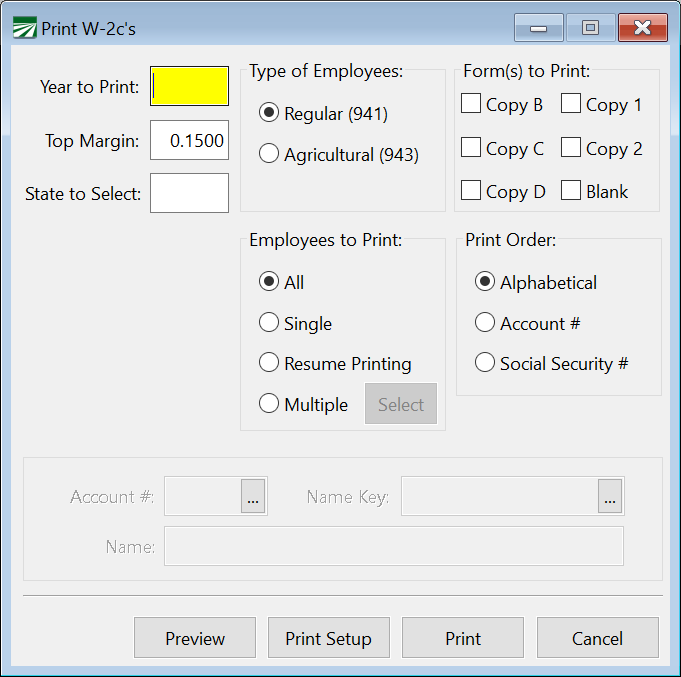
Year to Print
Enter the Year to Print.
Top Margin
This will default to 0.15. If your margins are not correct, try adjusting this setting.
State to Select
Enter the state abbreviation.
Select
-
Type of Employees
-
Form(s) to Print
-
Employees to Print
-
Print Order
Now you can preview or print your W-2cs.
Corrections to SSN
-
Correct the number in the Employee file, which will update the Archive file.
-
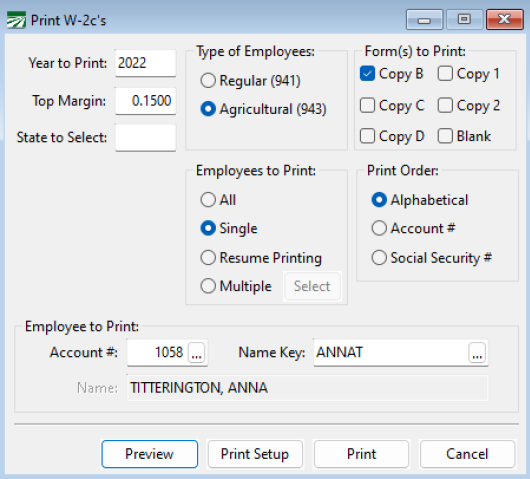
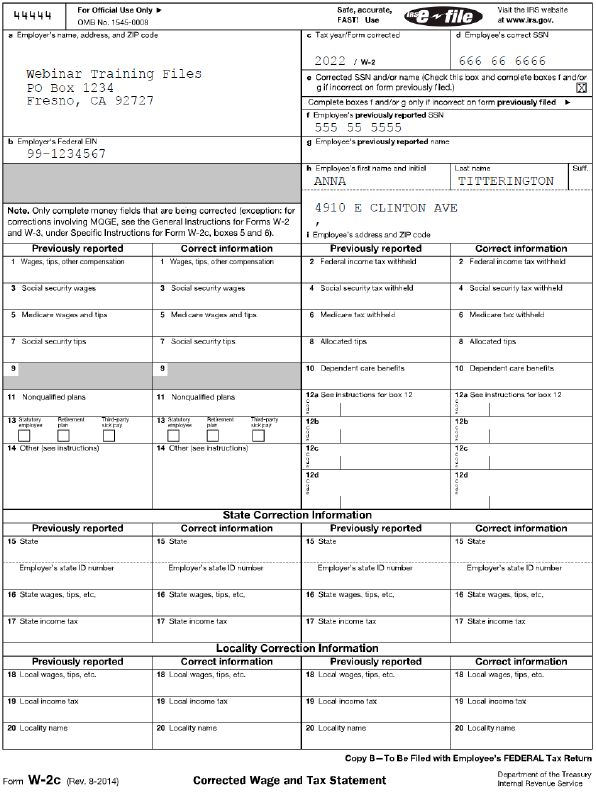
Run the W2C and select the forms you would like to print.
Correct Wages/Move Checks/Void Check
-
Use the Change Qtr/year utility to move back to the 4th quarter/
-
Use the appropriate tool to make your corrections.
-
Do Not Re-Archive
-
Use the Fix Employee Totals* to Update the Archive File
Note *In the past multi-state customers could not use this option and had to call Datatech Support for assistance with generating the corrected forms. Programming has been completed and will be included with the year-end update to allow for multi-state to fix to the archive file.
-
Print the W-2C’s
The blank paper formats included the forms to file by paper with the IRS. If you need to create an Electronic W2C file, you can use the Generate W-2c Electronic File to create it:
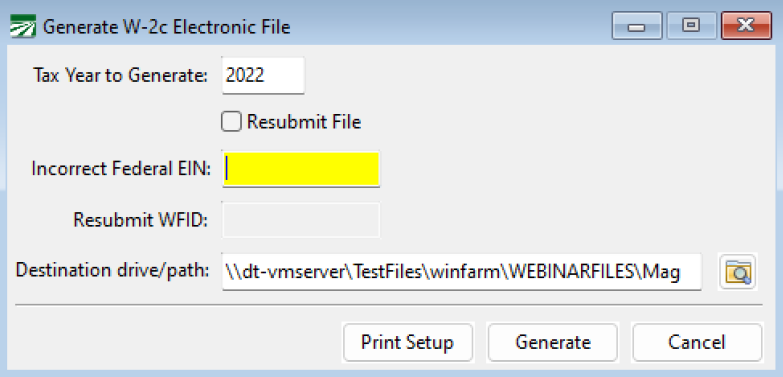
Enter the Tax Year to Generate and click Generate. If you are sending a correction file due to an incorrect Federal EIN, you can enter the incorrect number and then generate.