Product Codes by Lot Setup
This window can be used to set up your product codes by lot.
Go to Inventory > Setup > Product Codes by Lot.
Enter or Edit product codes by selecting the lot that they are used with. Then use the grid below to create or edit existing product codes. Below the screenshot is a breakdown of each entry.
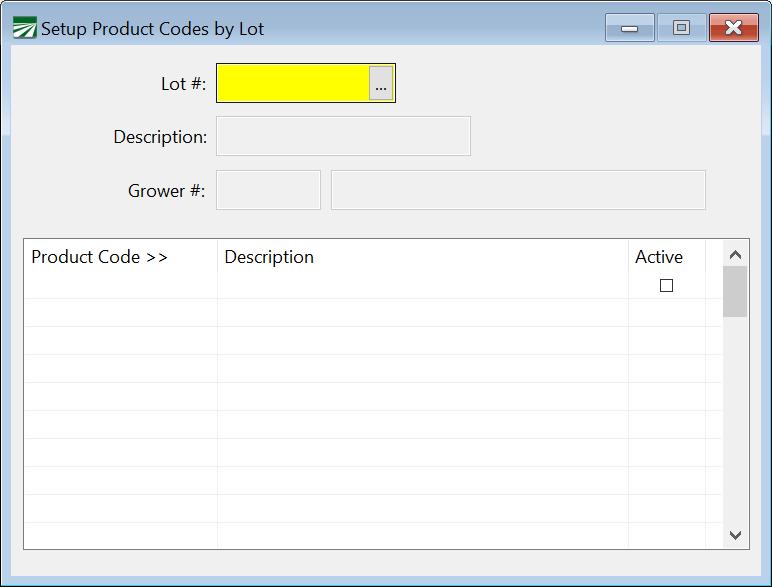
Lot #
Select the lot for these product codes. You can do this manually or access the lot lookup using [F4] or the lookup button.
Product Code
Enter a 10-character, alphanumeric code for each product code.
Description
Enter a brief description of that product code.
Active
Ensure that this box is selected if that code is active. If a code is not active, it won’t be used by the program.