Work in Progress Posting Report
Go to Cost Accounting > Reports > Work in Progress Posting Report.
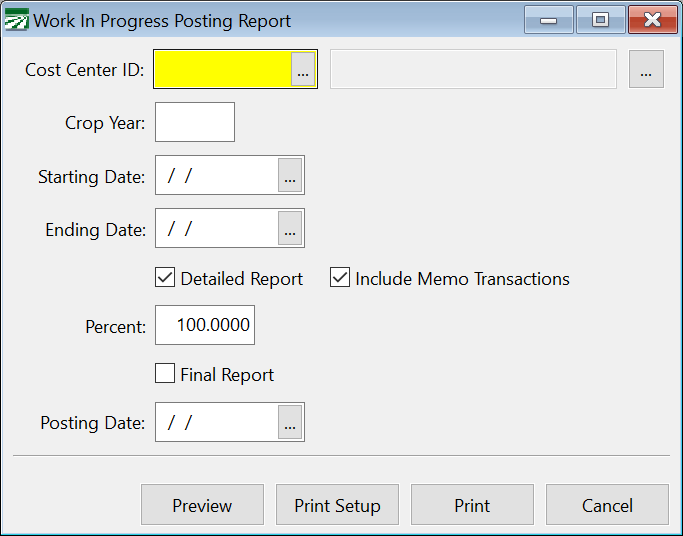
Cost Center ID
Select the Cost Center by entering the ID or using the lookup to select it. Access the lookup by pressing [F4].
Crop Year
Enter the desired crop year for the report. This will typically be the current Crop Year.
Starting Date / Ending Date
Select the date range for this report by entering the first and last dates in these boxes.