Journal Transactions Report by Source Journal
The Journal Transaction Report by Source Journal will print a report listing only transactions for specific source journal in a given time period.
Go to General Ledger > Transactions > Report by Source Journal.
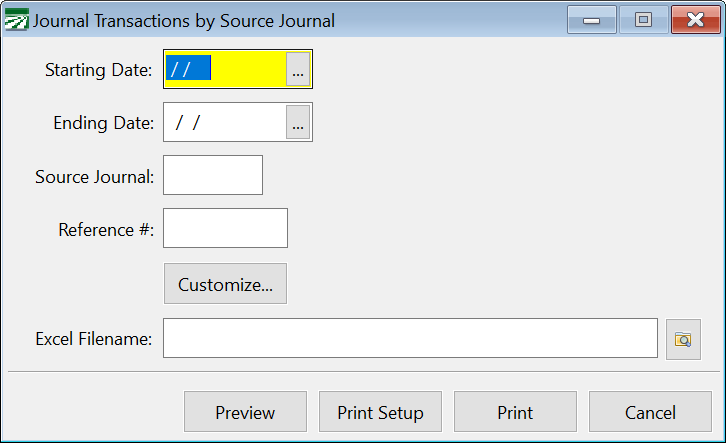
Starting Date / Ending Date
Enter the date range you want to print the report for.
Source Journal
Enter a Source Journal to select transactions by. If you leave this blank, the report will print a separate section for each source journal that was used in the date range you specify. After each section, the total debits and credits for that Source Journal will be printed.
You can use the asterisk (*) to perform a "wildcard" match on the Source Journal entry. For example, if you enter "CD*" as the Source Journal, the program will select all transactions that start with CD. Specifically, this would select all transactions with "CD" (checks), "CD-T" (transfers), and "CD-M" (miscellaneous charges).
Here's another example of using the wildcard selection: Some users assign numbers to their manual journal transactions, using Source Journals like JE01, JE02, JE03, etc. for each batch of transactions in a month. By using "JE*" for the Source Journal, you would get a report that includes all manual journal transactions, regardless of which batch number they were in.
Reference
For some Source Journals, such as PR (Payroll), SJ (Sales Journal), and others, a reference number is used to group transactions that were updated from each report. If you enter a reference number here, only transactions with a matching reference number will be printed.
If you enter a reference number for a Source Journal that does not use reference numbers, such as CD, no transactions will be printed.
Customize
Using this option, you can customize a number of elements pertaining to the look of the report. This includes the title, margins, and orientation.