Miscellaneous Payable Transactions
Miscellaneous Payable Transactions Overview
From the Checkbook Register window, click Misc. Payables to record payment of vendor invoices without printing a check. This can be used to record a wire transfer or other electronic payment made against open vendor invoices, instead of entering a payables check without a check number or a check number based on the date.
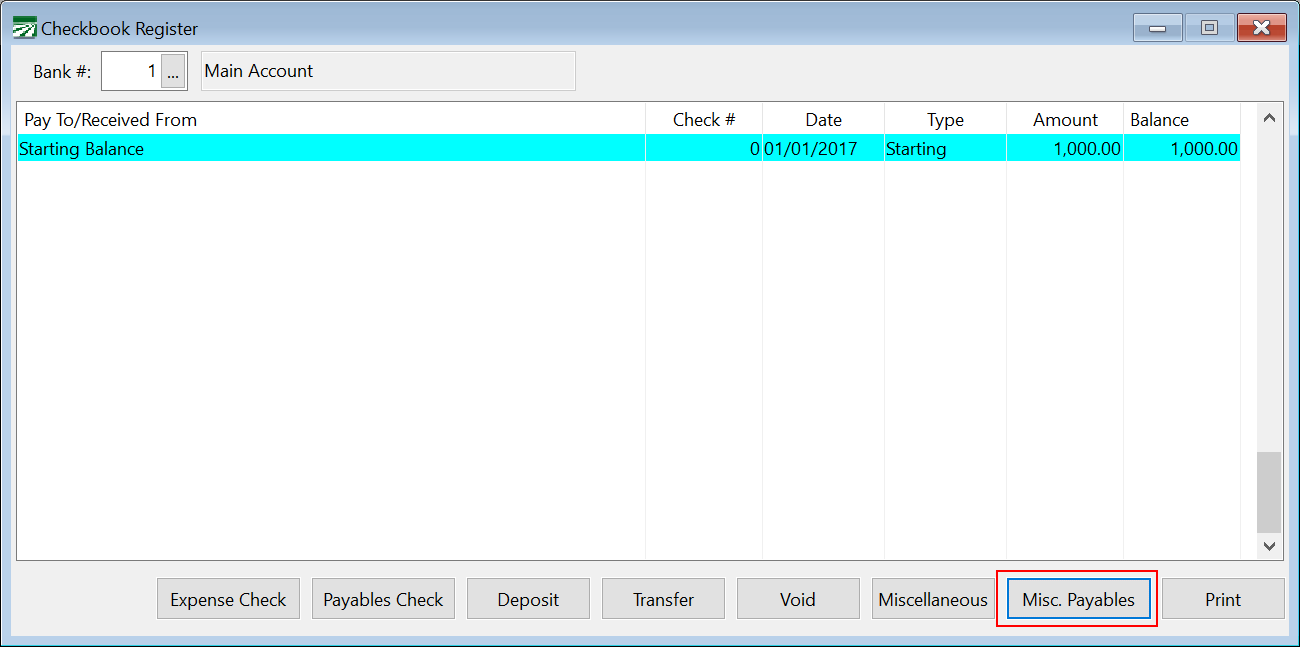
This is often useful in cases where a grower settlement or liquidation has generated a vendor invoice that is paid to the grower electronically. The Miscellaneous Payable button opens a window that is very similar to the Payable Check window, except it does not require a check number, and it does not print a check out:
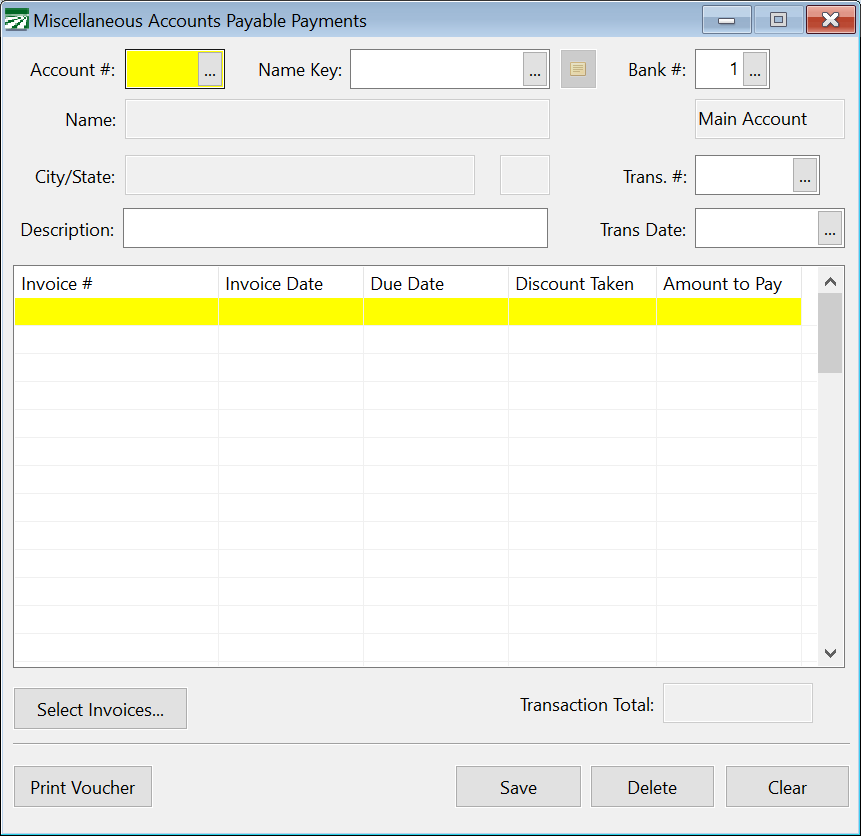
Miscellaneous Accounts Payable Payments will appear with the transaction type “Misc” on the Checkbook Register, just like current miscellaneous transactions. On the Bank Reconcilement, they will also be listed in the same category.