Employer Contributions to 401(k)/IRA Plans
Check Printing
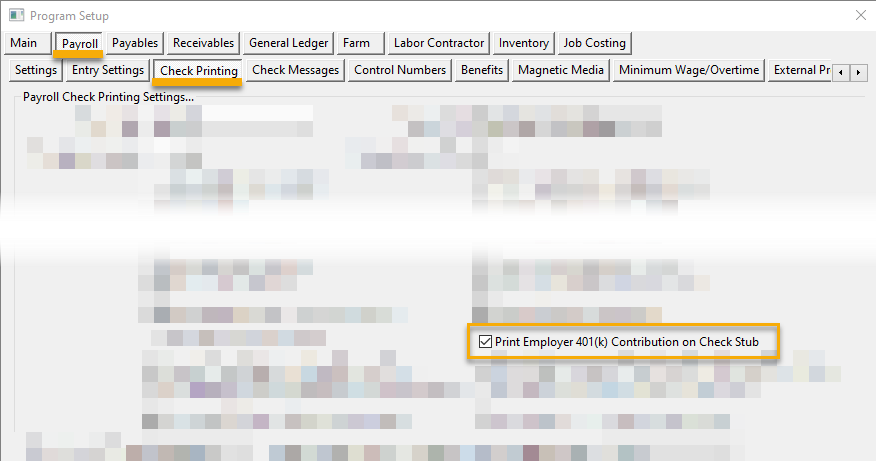
Normally the payroll check stub prints only gross wage totals, deductions and the net check amount. If you also want to include the amount of employer contributions to the employees’ 401(k) plans in the deduction summary, check the Print Employer 401(k) Contribution on Check Stub box under Program Setup > Payroll > Check Printing.
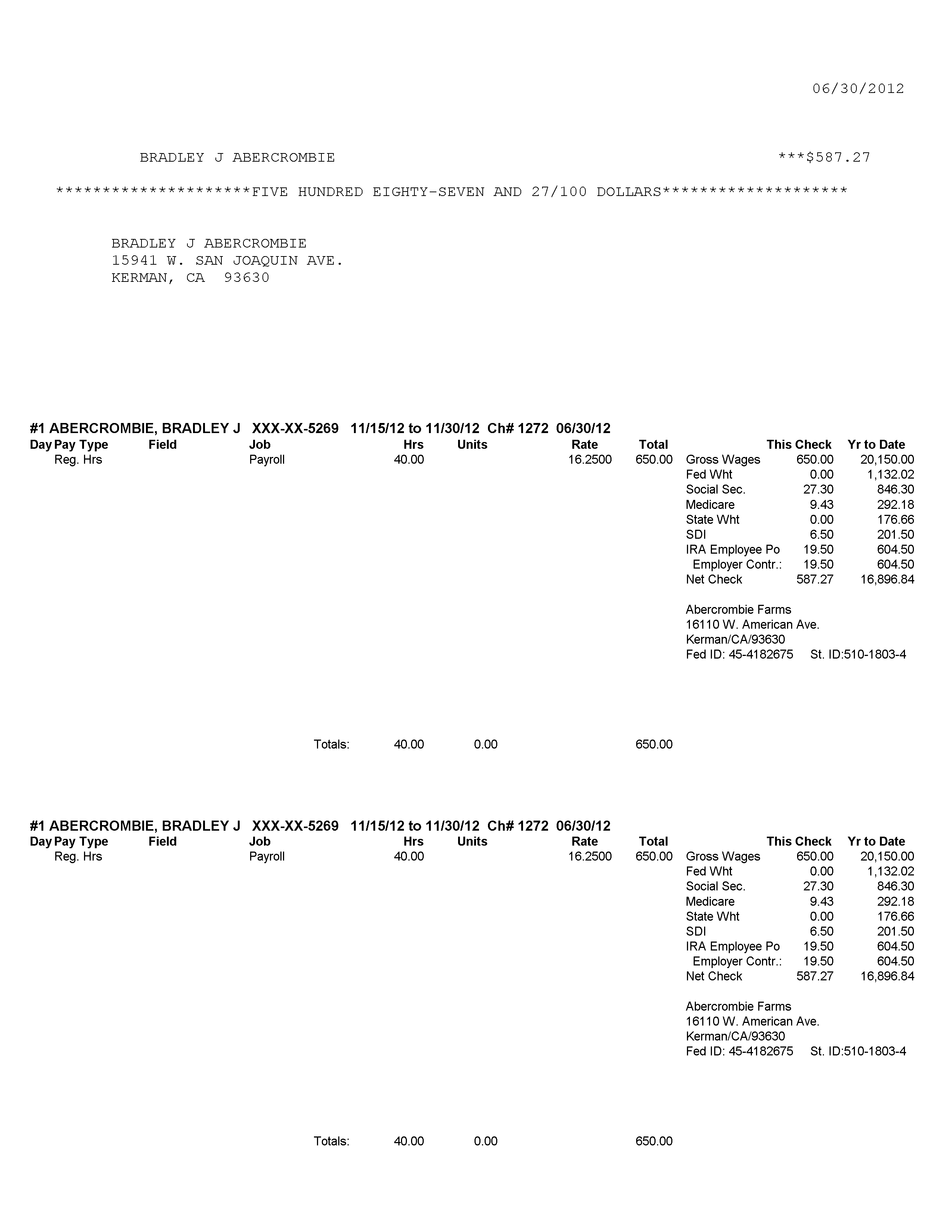
On the check stub, the employer contribution amounts, both for this check and year to date, will appear below the employee’s deduction:
Accruing Employer Contributions
There are two accounting methods you may use when writing a check for employer contributions to employee 401(k)/IRA accounts. The first method is to issue a direct expense check or enter a vendor invoice for the total combined employee and employer contributions. This would require two line items. The first line item would use the accrual general ledger account for the employee contribution, and the second would be posted to your employer contribution expense account for the employer portion.
The second method is to let the program accrue the employer contribution amounts for you when the Payroll Journal updates the General Ledger. This means that the combined amount of the employee and employer contributions will be in one account. When you enter a vendor check or invoice, you only need to enter a single line item to this accrual account.
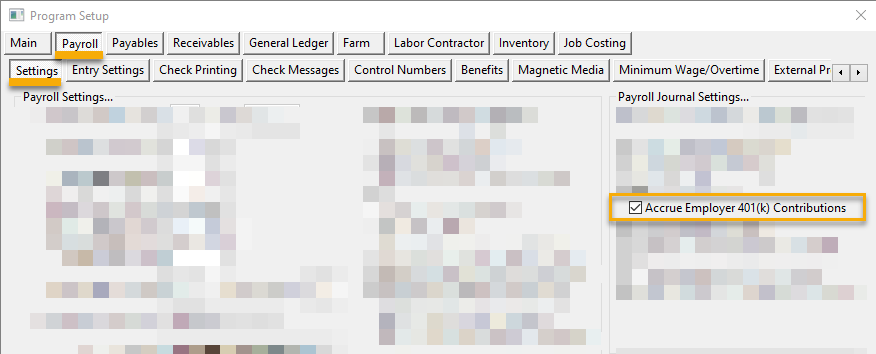
To enable the accrual method, first select the Accrue Employer Contributions to 401(k) box under Program Setup > Payroll > Settings.
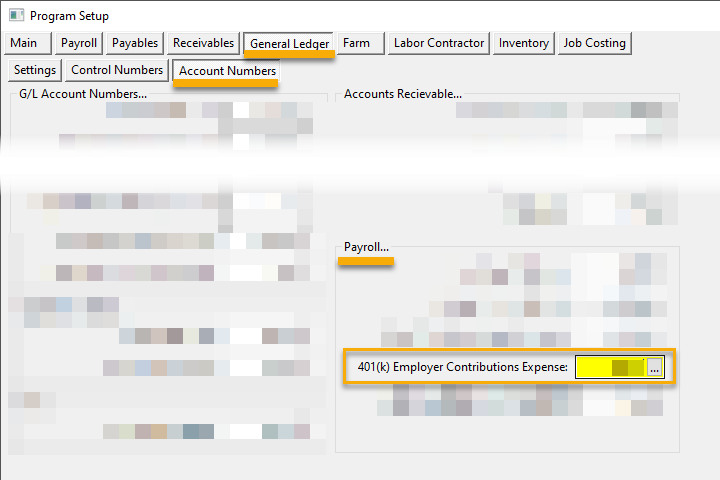
To accrue the employer contribution amounts, the program needs to know what the expense account is for employer contributions. This account is entered under Program Setup > General Ledger > Account Numbers > Payroll.